Clara answers your calls so you don’t have to. But there are days when you’d rather answer them yourself: a quiet morning, an afternoon at the desk, a stretch where you’re waiting on one particular customer to ring back.
Until now, that meant a choice between leaving Clara on and letting it pick up, or turning it off and hoping you remembered to turn it back on. Now you can just pause it.
Where to find it
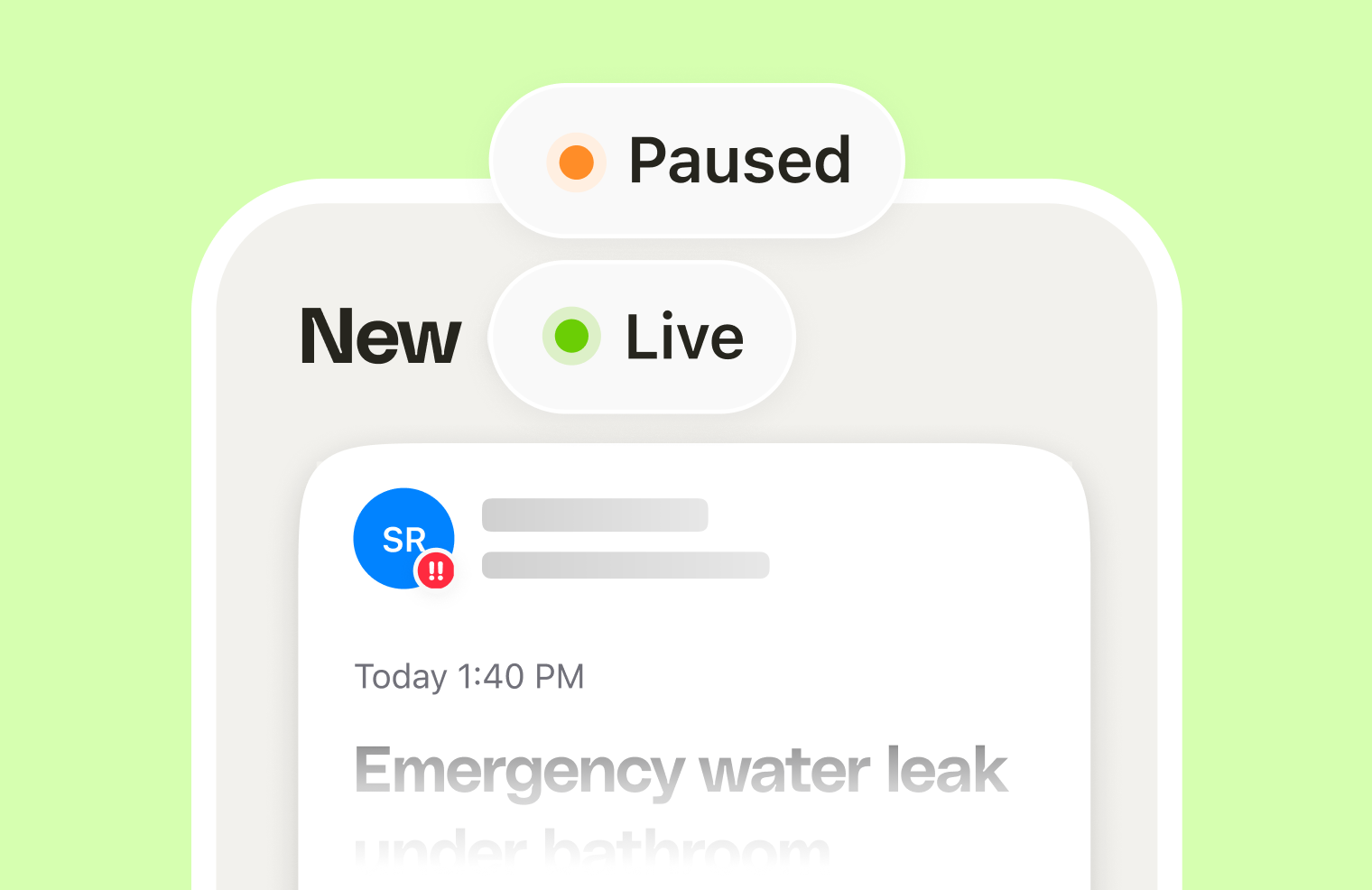
There are two ways in. The quickest is from your inbox screen: tap the Live tag at the top and pick how long you want to pause for. You can also go to the Business tab (bottom right), then Status.
Either way, the tag switches from Live to Paused so you can see at a glance which mode you’re in.
How pausing works
Pick how long you want to take the calls yourself:
- 1 hour
- 2 hours
- 4 hours
- Until tomorrow
- Custom, for any length you set yourself
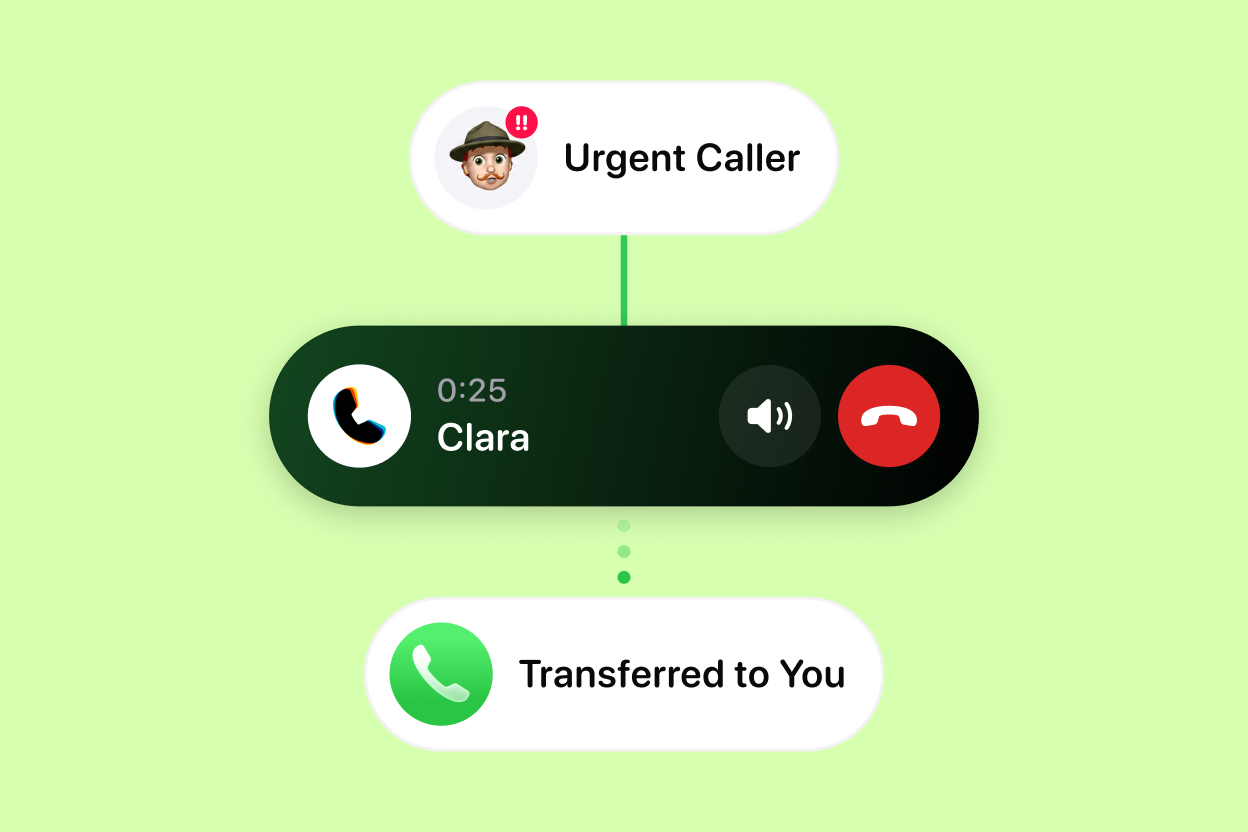
While the pause is running, Clara stops answering. Your phone rings the way it did before Clara, and you pick up.
When the time is up, the pause ends by itself and Clara goes straight back to answering. There’s nothing to switch back on and nothing to remember, which is the part that matters most. The old way of doing this, turning your receptionist off, is exactly how businesses end up missing a Friday afternoon’s worth of calls.
You can also end a pause early. If a job runs long or you get pulled onto something, put Clara back on the moment you need it.
Your call log stays complete
Calls that come in during a pause are still logged in Clara. You don’t end up with a hole in your records for the hours you happened to be covering the phones yourself.
Be clear on what that does and doesn’t mean. Clara isn’t on those calls, so you won’t get a summary or notes the way you would normally. What you get is the log entry: who called and when, sitting alongside everything else.
When it’s worth pausing
A few patterns come up again and again:
- You’re at the desk anyway. Quoting, invoicing, catching up on admin. If you’re going to hear the phone ring, you may as well answer it.
- You’re expecting one specific call. A customer deciding on a quote, a supplier confirming a delivery. Pause for an hour so you catch them live.
- A quiet stretch you want to use. Some owners like taking their own calls first thing, then handing the day back to Clara once they’re on the tools.
- You’ve got cover. Someone’s in the office for the afternoon and can pick up. Pause until tomorrow and let them.
Start with a short pause and see how it feels. An hour or two at a time is what this is built for, rather than whole days off.
Product Updates is our series of short guides on what’s new in Clara and how to get the most out of it.
Frequently asked questions
What does pausing Clara do?
While Clara is paused, Clara stops answering your calls. Your phone rings as it normally would and you take the call yourself. When the pause runs out, Clara goes back to answering automatically, so there is nothing to switch back on.
Where do I pause Clara?
Two places. From your inbox screen, tap the Live tag at the top and choose how long to pause for. Or go to the Business tab (bottom right), then Status. The tag switches from Live to Paused so you can see which mode you're in.
How long can I pause Clara for?
You can pause for 1 hour, 2 hours, 4 hours, until tomorrow, or set your own length with the custom option. Pick whatever matches the stretch of time you'll actually be free to answer.
Do I lose the calls that come in while Clara is paused?
Calls that come in during a pause are still logged in Clara, so your call history has no gap for the hours you were covering the phones. Clara isn't on the call, though, so there's no summary or notes for it the way there would be normally.
Do I have to remember to turn Clara back on?
No. The pause ends on its own when the time you chose is up and Clara starts answering again. You can also end a pause early whenever you want.
When should I pause Clara?
Any stretch where you'd rather answer the phone yourself: a quiet morning in the van, a day at the desk catching up on quotes, or a period where you're chasing a specific customer and want to speak to them the moment they ring.