
Sometimes you want to pick up the phone yourself. Maybe you’re at the front desk for the next hour, expecting an important call, or just having a quiet afternoon. Pausing puts Clara on break for a set amount of time: while she’s paused, callers ring straight through to you, and she comes back automatically when the time is up.
How to pause Clara
There are two ways to get there. The quickest is from your inbox:
- Open the Clara app
- Tap the Live tag at the top of your inbox screen
You can also go through your settings:
- Open the Clara app
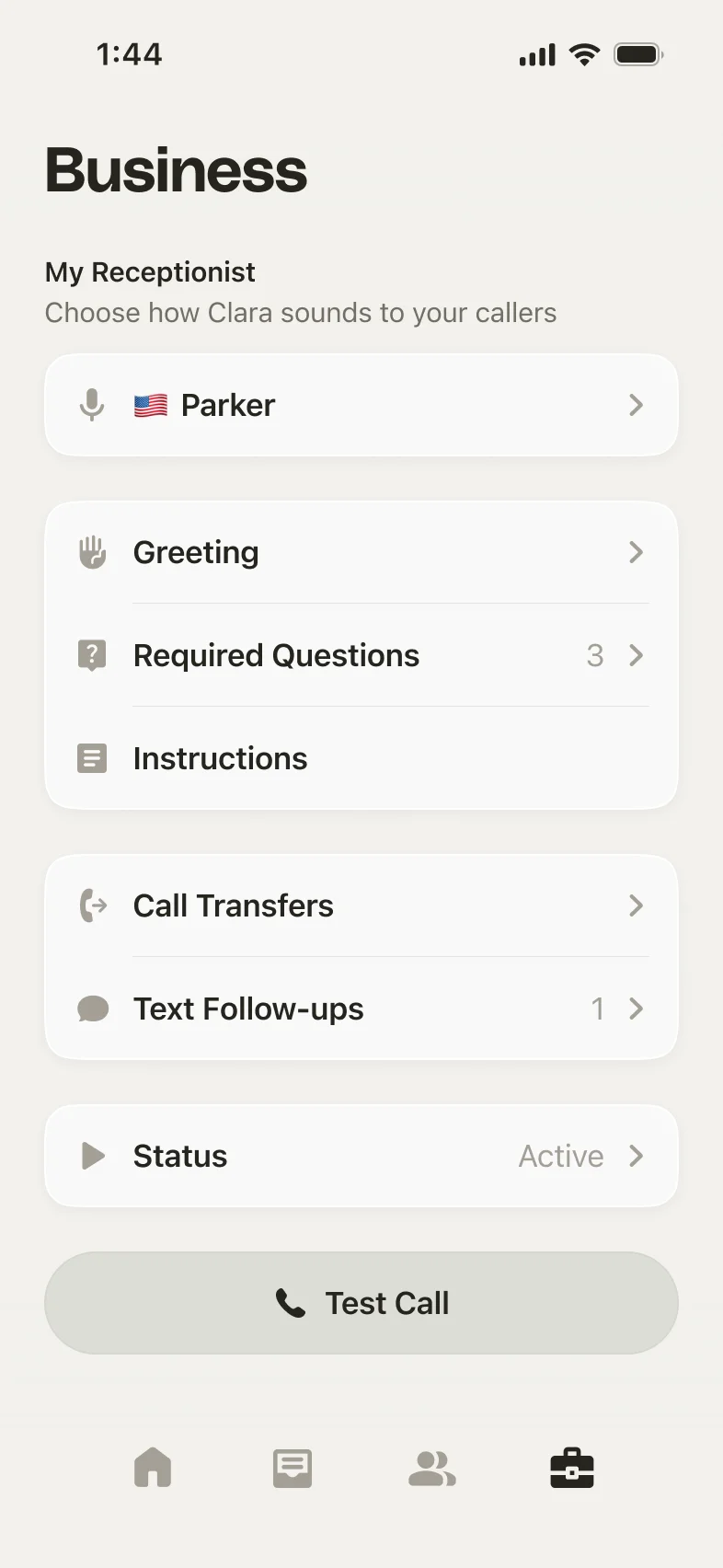
- Go to the Business tab (bottom right)
- Tap Status
Choosing how long to pause
Pick one of the preset durations, or set your own:
- For 1 hour, when you’re covering the phones yourself
- For 2 hours or For 4 hours, for longer stretches
- Until tomorrow, for the rest of the day
- Custom, to choose exactly when Clara should come back
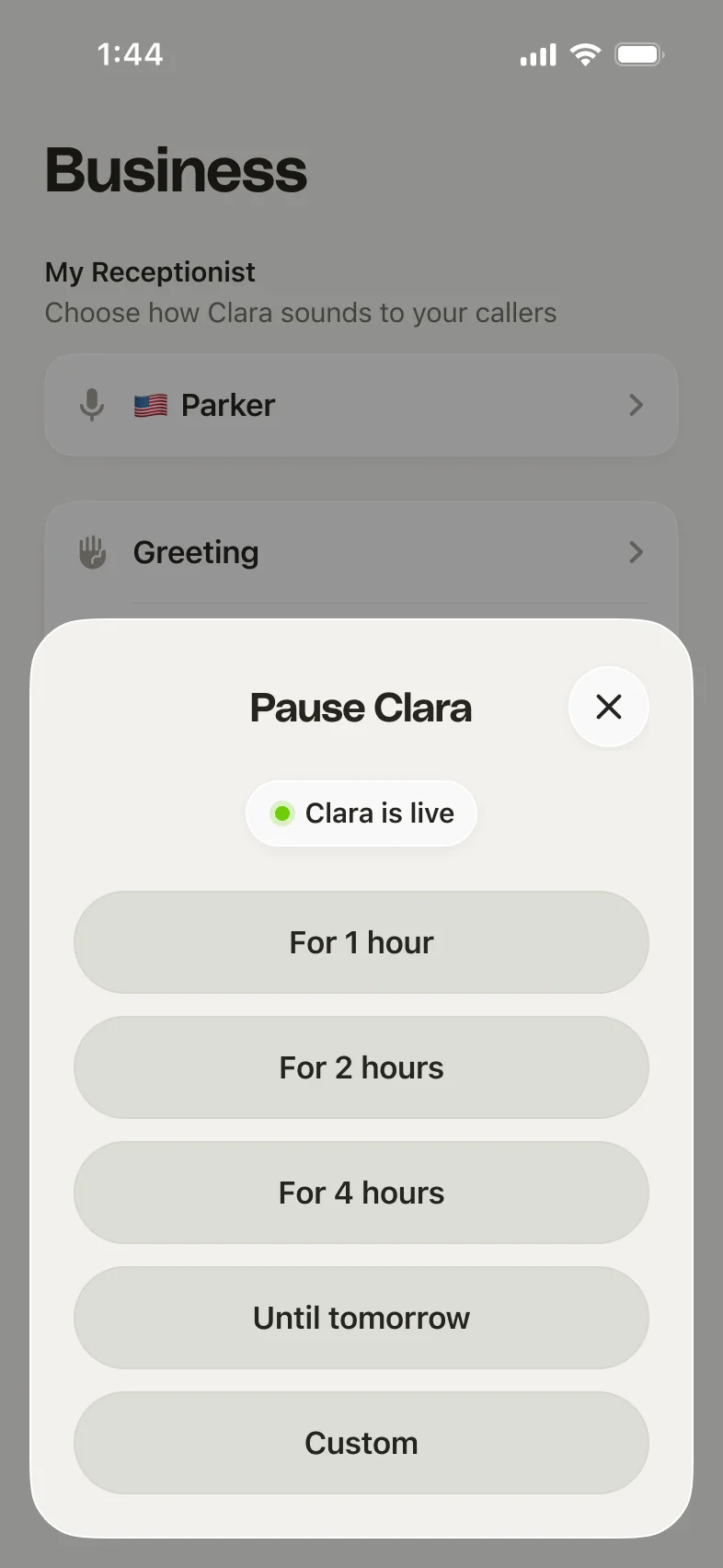
Choose a duration and Clara pauses right away. There’s nothing else to set up: she comes back on her own when the time is up.
While Clara is paused
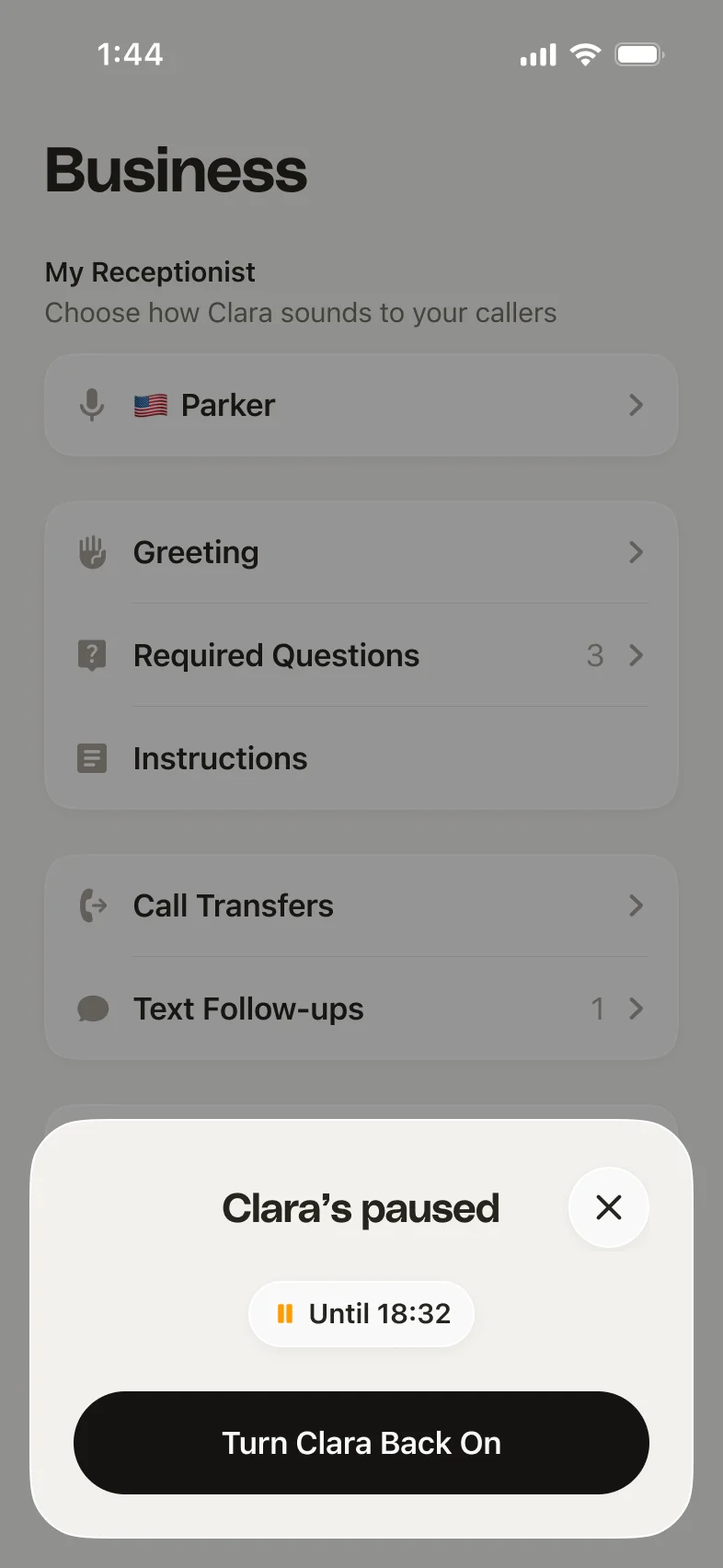
The Status row on the Business tab shows that Clara’s paused and exactly when she’ll be back, so you always know how long you’re on duty.
While paused:
- Calls ring straight through to you instead of Clara answering
- Missed calls are not answered by Clara, so keep your ringer on
- Calls that come in are still logged in your Clara call history, so there’s no gap in your records, but there’s no summary or notes for them since Clara isn’t on the call
- Your inquiries and settings are untouched
Turning Clara back on early
Changed your mind? Tap the Paused tag at the top of your inbox, or open Status on the Business tab, and tap Turn Clara Back On. She’s back on the phones immediately.
Still need help?
If pausing or resuming Clara isn’t working the way you expect, reach us at support@heyitsclara.com and someone from our team will help you out.