
★★★★★
“Allowed me to focus on business and screen telemarketers. 10/10”
AI phone assistant for HVAC companies
Clara is an AI phone assistant for HVAC companies. During peak-season calls, it captures the system, what changed, where the customer is, and the conditions the caller reports. Diagnosis, urgency, capacity, and the service decision stay with your business.
7-day free trial on eligible monthly plans
4.6★ on the App Store and Google Play5,600+ ratings and reviewsStart with your business details, then test Clara before connecting customer calls
Clara’s role
Answer, capture the details, and leave the decision with you
Real customer reviews
“Allowed me to focus on business and screen telemarketers. 10/10”
“This app is so helpful when I am busy and can't take calls.”
“This is the best and easiest to set up I've ever come across.”
Store totals checked September 4, 2026. Reviews shown are from Clara customers across different kinds of businesses.
The workday
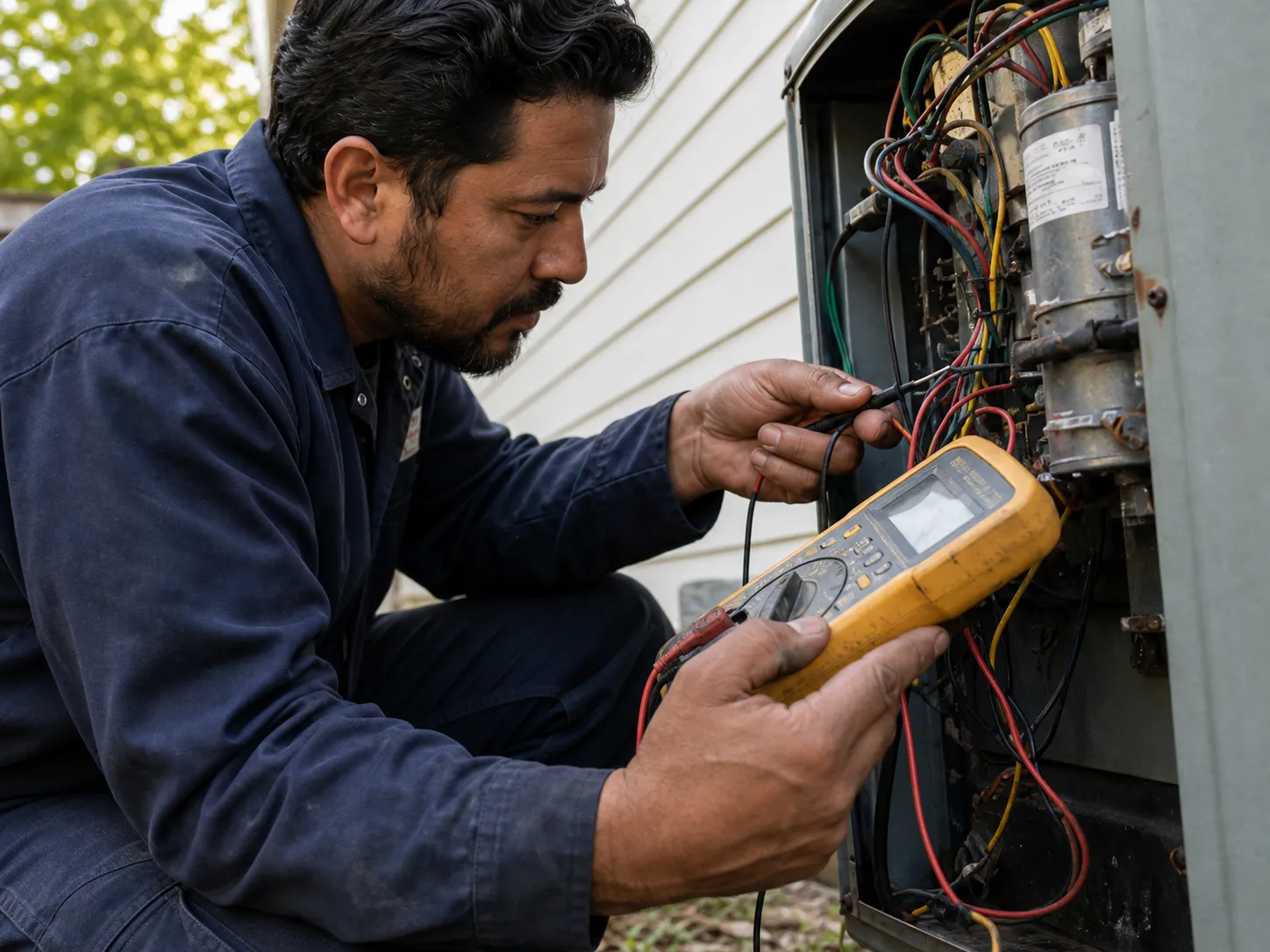
No-cooling calls, no-heat calls, maintenance requests, and existing-customer questions often arrive in clusters. Clara keeps those first conversations consistent while you stay focused on the equipment and the customer already in front of you.
Capture the property, system type, symptoms, timing, and any details the customer can safely observe.
Record the situation and urgency cues without providing combustion, gas, or carbon-monoxide advice.
Separate routine tune-ups from repair calls and collect equipment and scheduling preferences.
Take structured messages about return visits, warranties, invoices, or recently completed work.
A better first conversation
A consistent HVAC intake helps you sort routine work from calls that need faster review without letting the phone agent diagnose the equipment.
Example hvac inquiry
“The air conditioner is running, but the house keeps getting warmer”
Call summary
New no-cooling call. The system appears to be running, but the home is getting warmer. Address, timing, and callback details are ready. No diagnosis or appointment was promised.
Clara captured
Example call
This is a transparent product scenario based on the US industry research. It is not a customer testimonial or performance claim.
New customer · no cooling
Needs prompt review“The air conditioner is running, but the house keeps getting warmer”
Clara captured
Owner summary
New no-cooling call. The system appears to be running, but the home is getting warmer. Address, timing, and callback details are ready. No diagnosis or appointment was promised.
Clear boundaries build trust
You set the instructions. As you review calls and keep coaching Clara, it learns more about how you run the business and how you want questions, pricing, priorities, and next steps handled.
Before you connect the phone
Clara can capture the cues you define and follow your handling rules. It does not diagnose hazards or replace emergency services. Safety-critical scripts need explicit product and legal approval before they are marketed.
Clara is designed to keep intake consistent when call volume rises. Actual availability, concurrency, and plan limits should be confirmed against the current product and plan before you rely on them.
Clara can capture a requested time and follow configured scheduling behavior. Do not assume it confirms an appointment or sees live capacity unless that access is available and set up.
Clara can capture a maintenance-plan or pricing question and follow only the exact current language your business has approved for that call type. Coverage, eligibility, diagnosis, scope, parts, labor, fees, and the final estimate stay with your HVAC business unless a current connected workflow supports them.
Yes. Use the test-call step to try the call types your HVAC business receives and adjust the intake before connecting real customer calls.
Yes. Clara starts with the services, hours, service area, pricing, questions, and call rules you give it. As you review calls and keep coaching Clara, it learns more about how you run the business and becomes better trained around how you want calls handled.
Keep researching
Print a structured worksheet for system, symptom, reported conditions, property, access, and handoff.
Read moreUse your own seasonal call volume and job assumptions.
Read moreReview the practical buying questions for US contractors.
Read moreSee Clara’s phone-intake approach across local service businesses.
Read moreLast reviewed August 22, 2026 against Clara’s current Product Ledger and US industry research
Keep the job moving
Confirm your business, choose what Clara should know, run a test call, and stay in control of every next step.
Start free7-day free trial on eligible monthly plans